1. Initial brief and concept
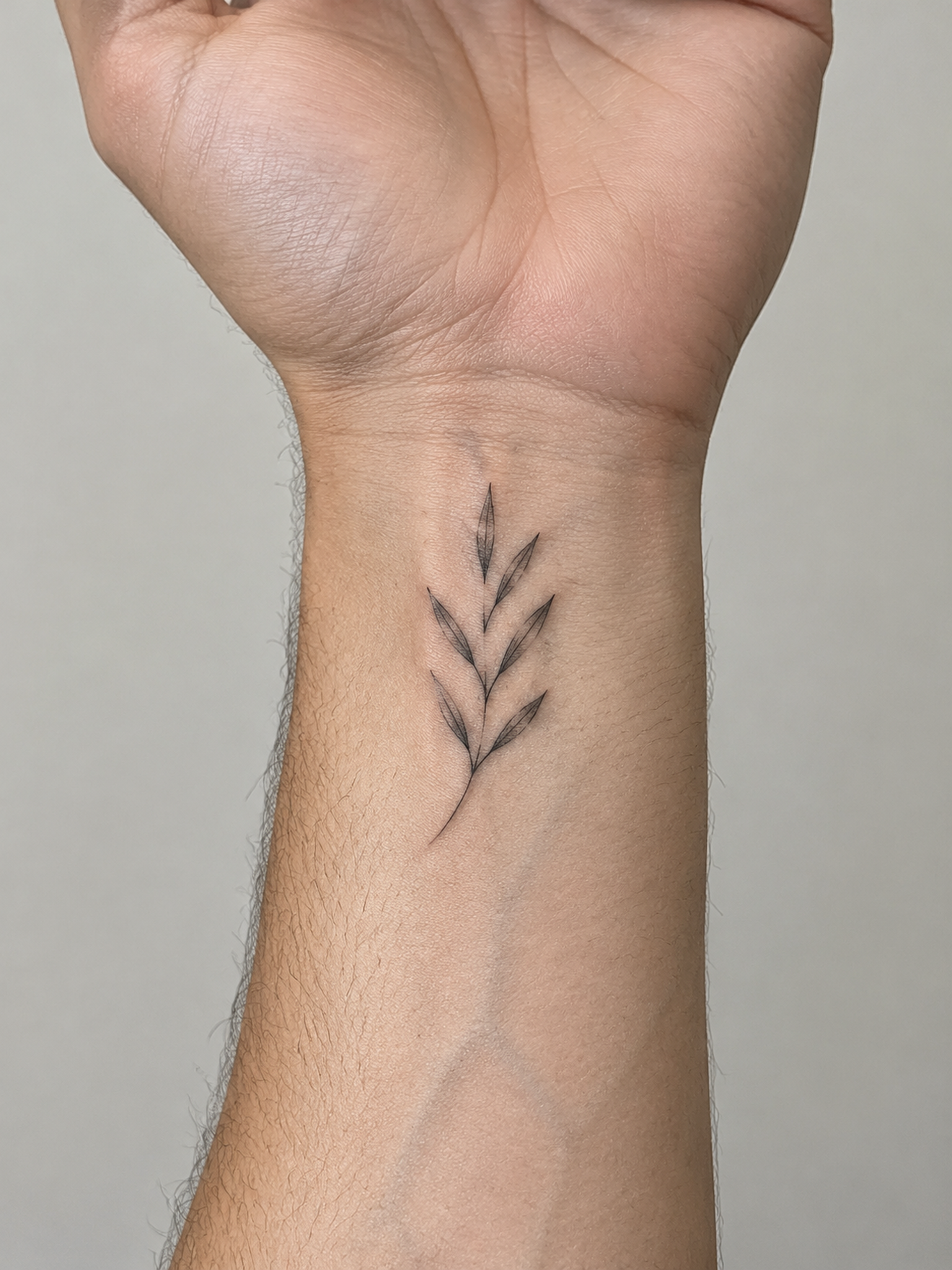
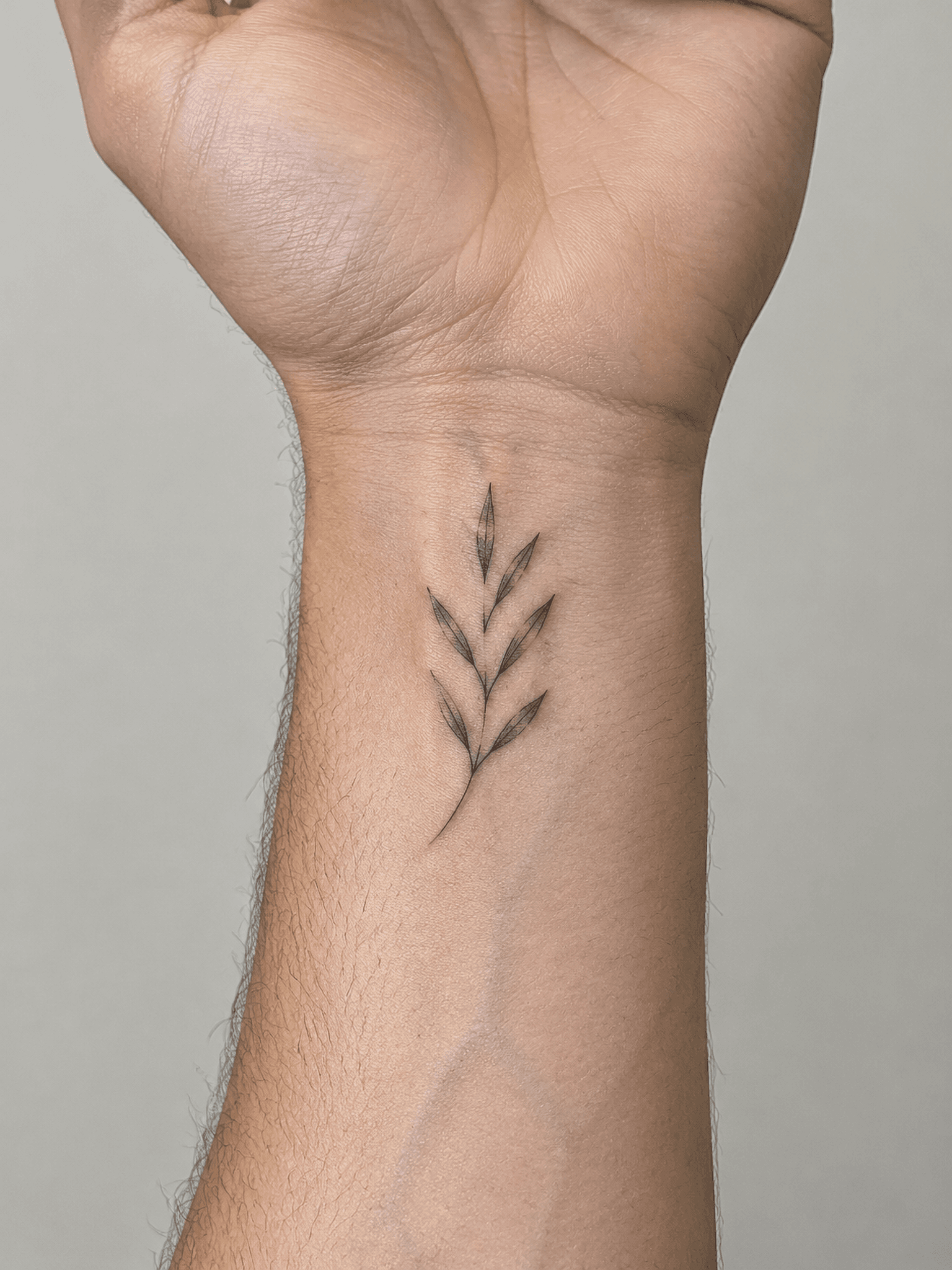
“A single upright olive sprig with six narrow leaves, black fine-line ink on the inner wrist. Keep the stem gently curved and leave clear skin around it.”
AI Tattoo Design
Describe your tattoo idea, choose a style and placement, and generate a concept to discuss with your artist.
Creating or revising a concept uses 2 credits. Prompt inspiration uses 1 credit. View pricing
Your new concept will not be listed in the public gallery. Anyone with the hosted image URL may still be able to view it. Uploaded reference photos are not gallery entries. Avoid sensitive photos. Privacy details
An editorial generation example
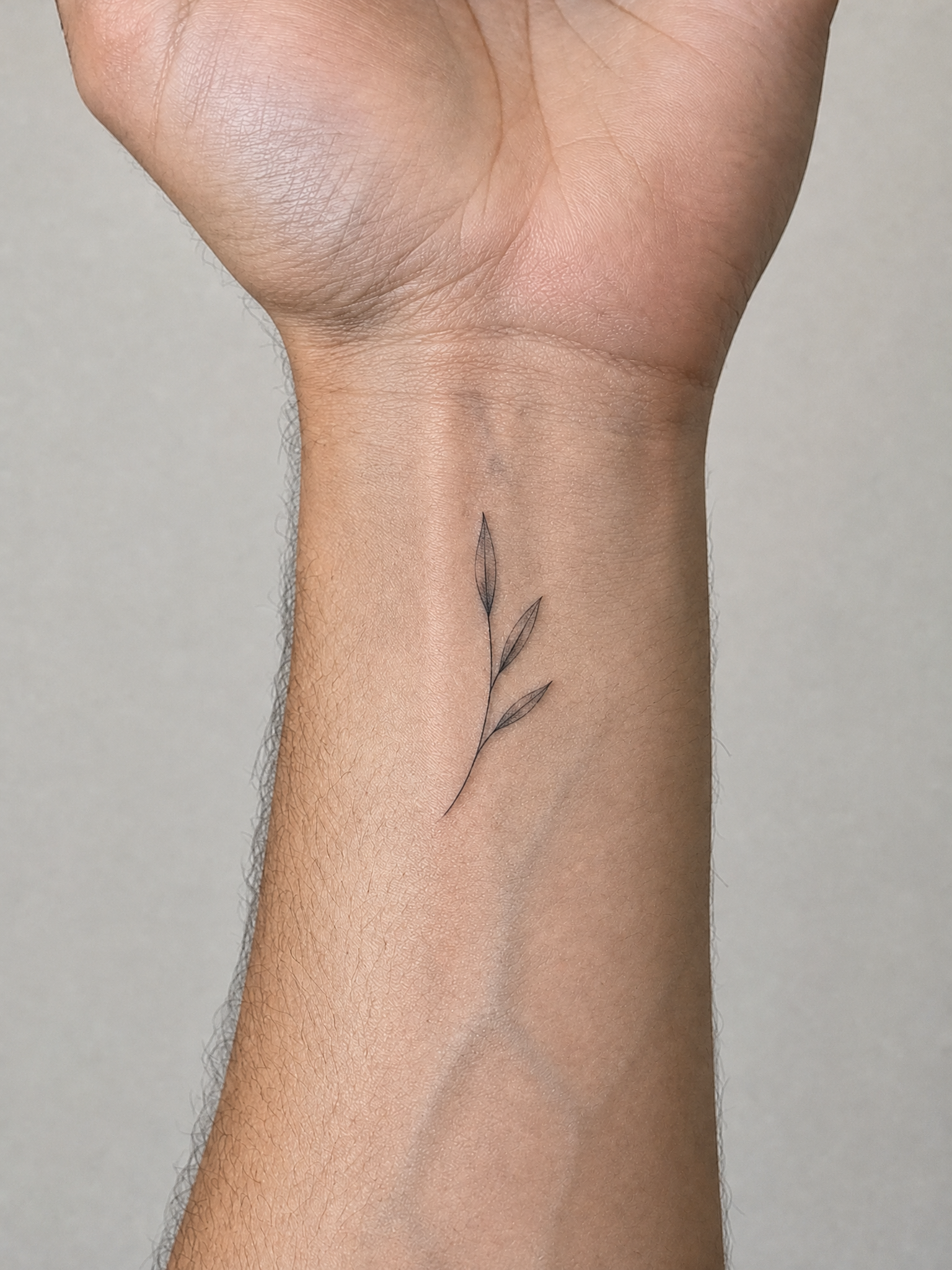
These two TattooFlash outputs use the first image as the revision reference. Both are AI-generated planning references, not real tattoos or evidence of healed results.
“A single upright olive sprig with six narrow leaves, black fine-line ink on the inner wrist. Keep the stem gently curved and leave clear skin around it.”
“Revise this olive sprig to have only three leaves, with more open space between them. Keep a single gently curved stem, black fine-line ink, and the inner wrist placement.”
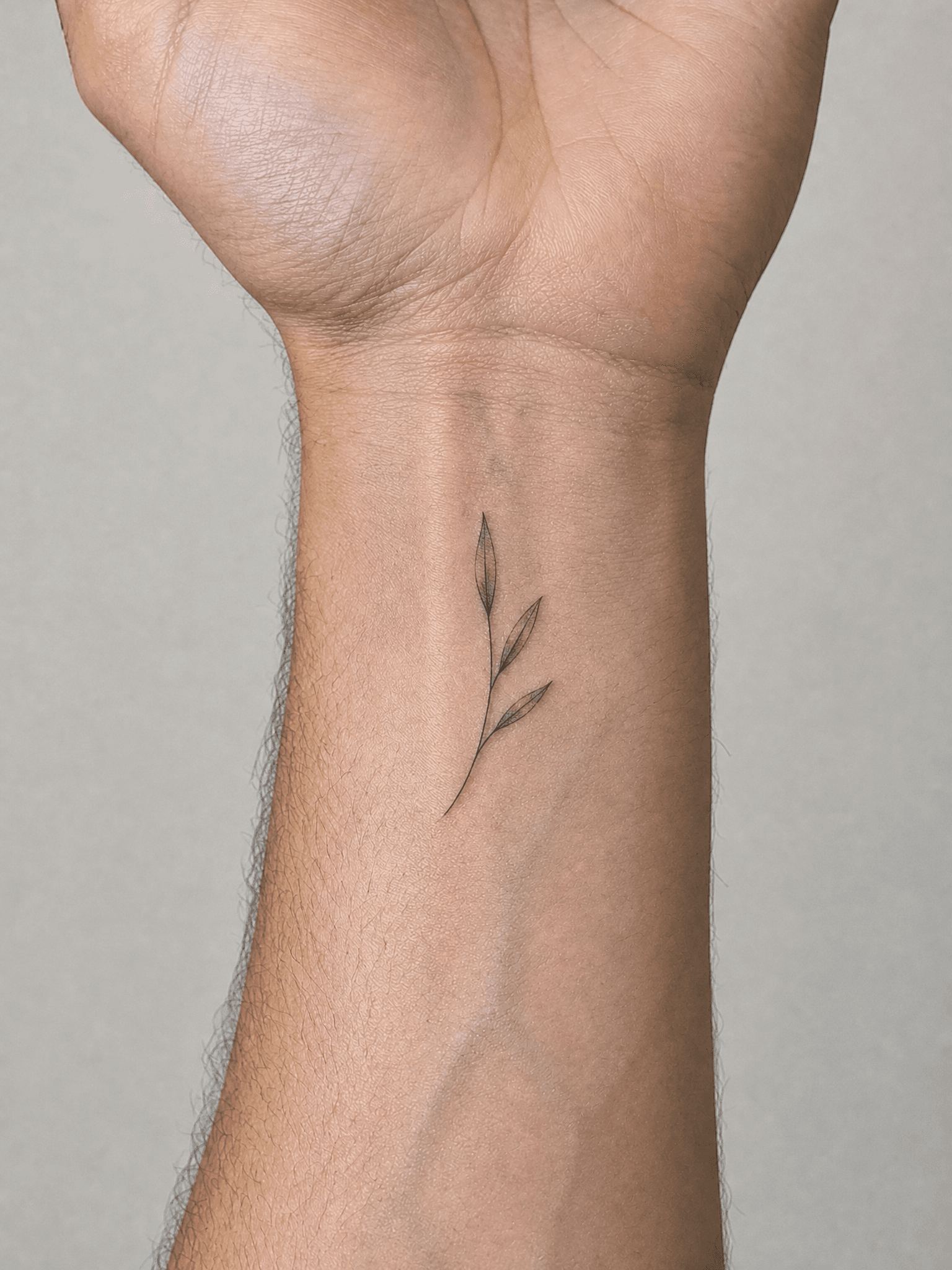
Settings for both runs: Fine-line, inner wrist, black ink, minimal detail, no imposed symmetry, male model, portrait composition, Starter Pack 2K resolution, GPT Image 2. Pixel dimensions describe the image file, not the tattoo's physical size.
What changed: The revision reduces six leaves to three and leaves more bare skin around the sprig. The curved stem and inner-wrist location remain, but both side leaves now point right and the sprig occupies less of the wrist. A revision does not lock every other detail.
Start with a subject, style, and placement. To explore a change to an existing composition, use the image as a reference and describe the change. Compare the result carefully; generated revisions may also alter details you did not ask to change.
Each concept or revision uses 2 credits. Prompt inspiration uses 1 credit. Your credit pack determines the available generation resolution. Check the download panel for the actual file format and pixel dimensions. This two-output workflow would use 4 credits in a customer account; this editorial run did not deduct customer credits.
Save the concept and note the subject, placement, approximate intended size, orientation, and details you want to keep. Your artist should assess the final composition, linework, and fit before tattooing.