Tattoo photo
Celestial serpent and clock
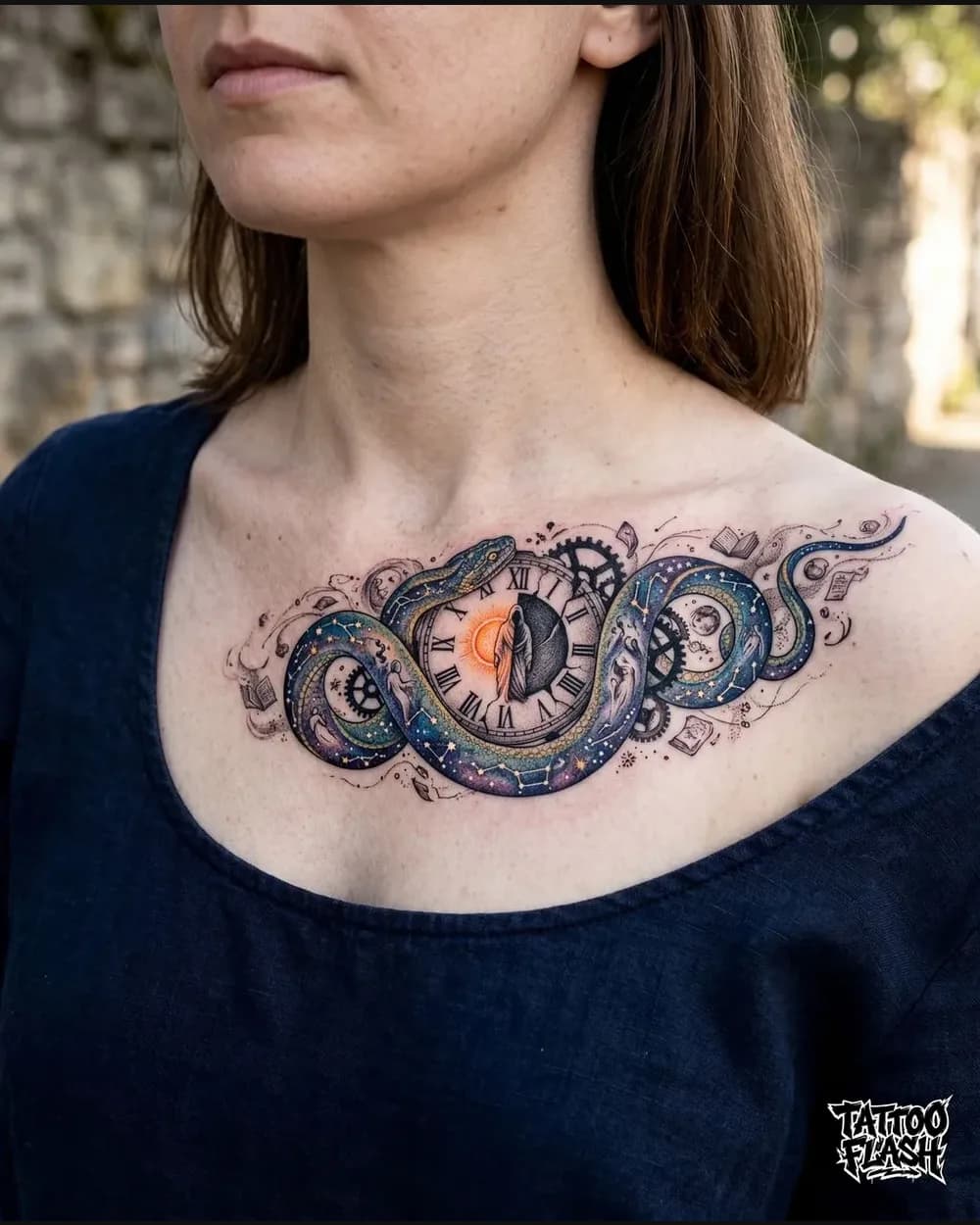
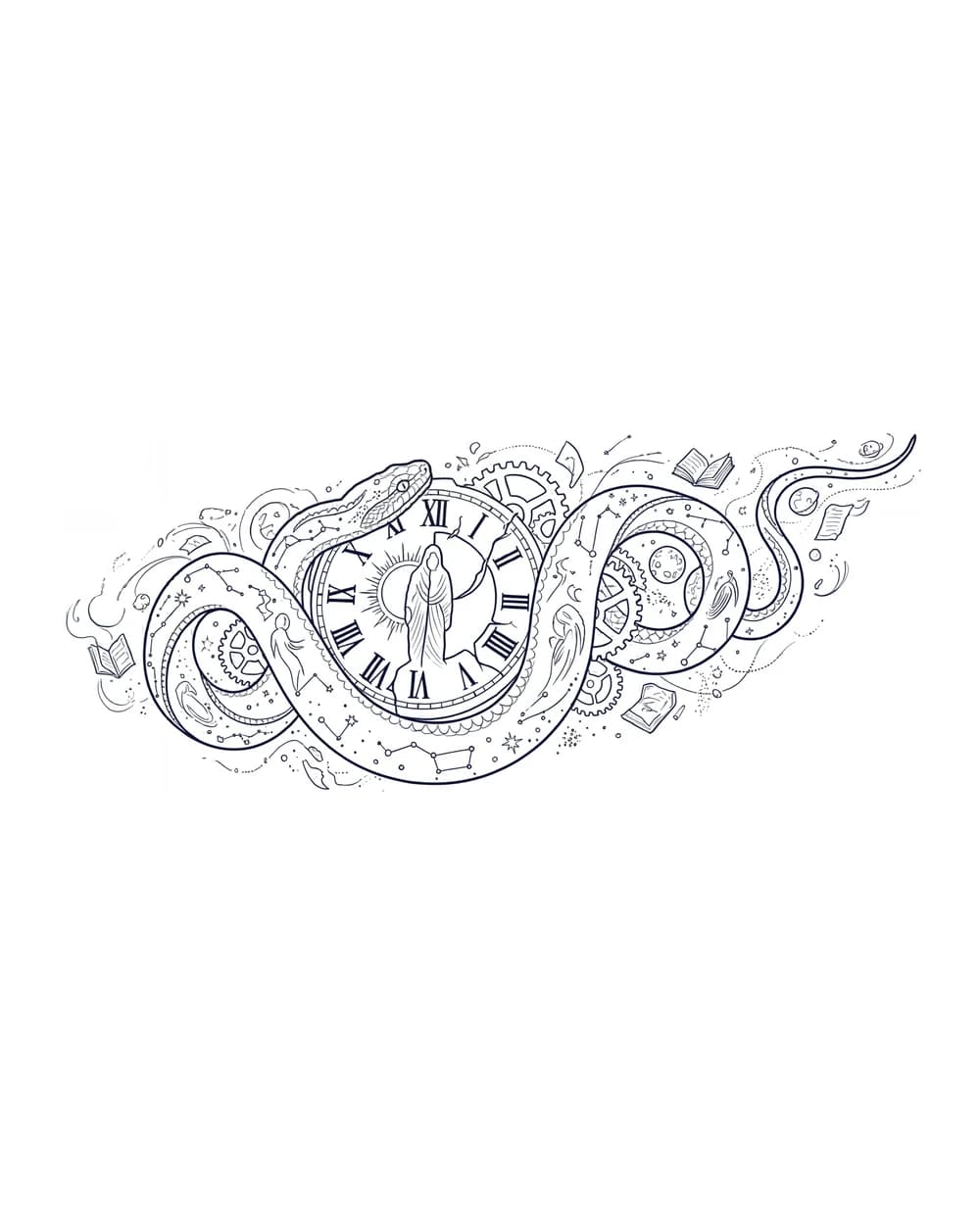
- Lines preserved
- Serpent silhouette, clock face, gears, books, and the outer celestial flourishes.
- Useful for
- Complex color tattoos where the composition needs to stay readable without color or shading.
Online Tattoo Stencil Maker
Upload a clear tattoo photo, drawing, or saved design. The photo-to-stencil converter isolates essential contours and returns clean black linework for download and artist review.
Extraction Workspace
Real Before And After Examples
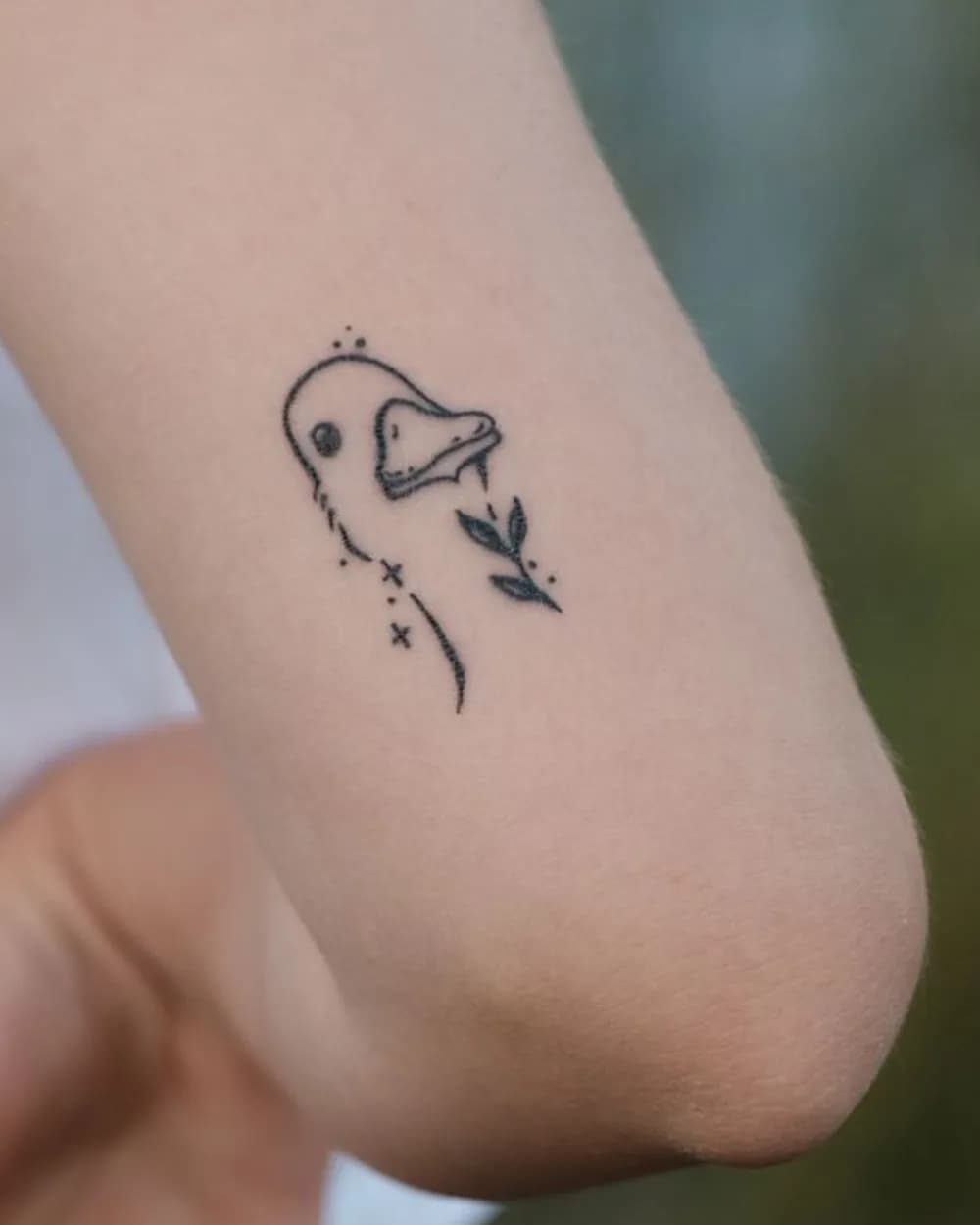
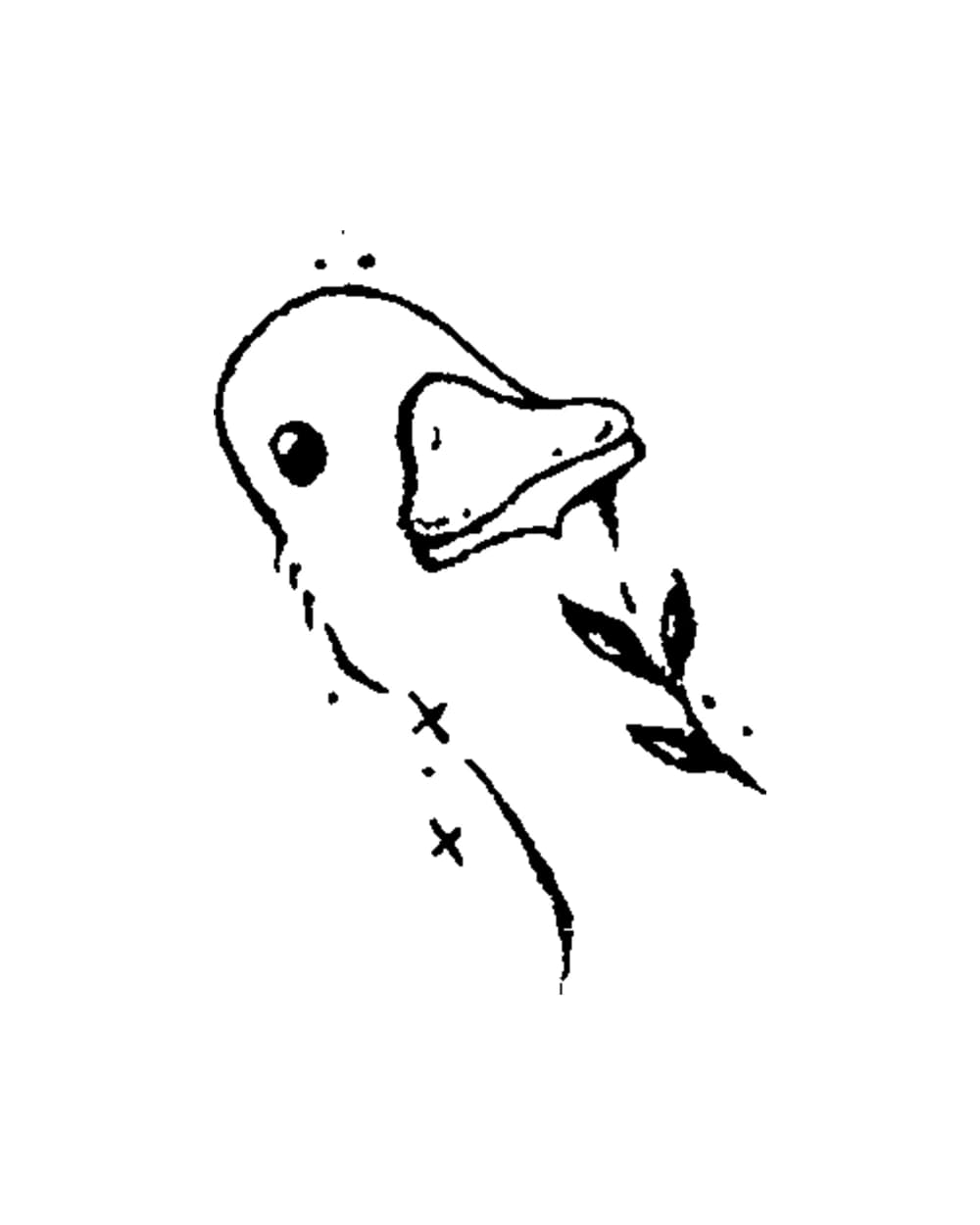
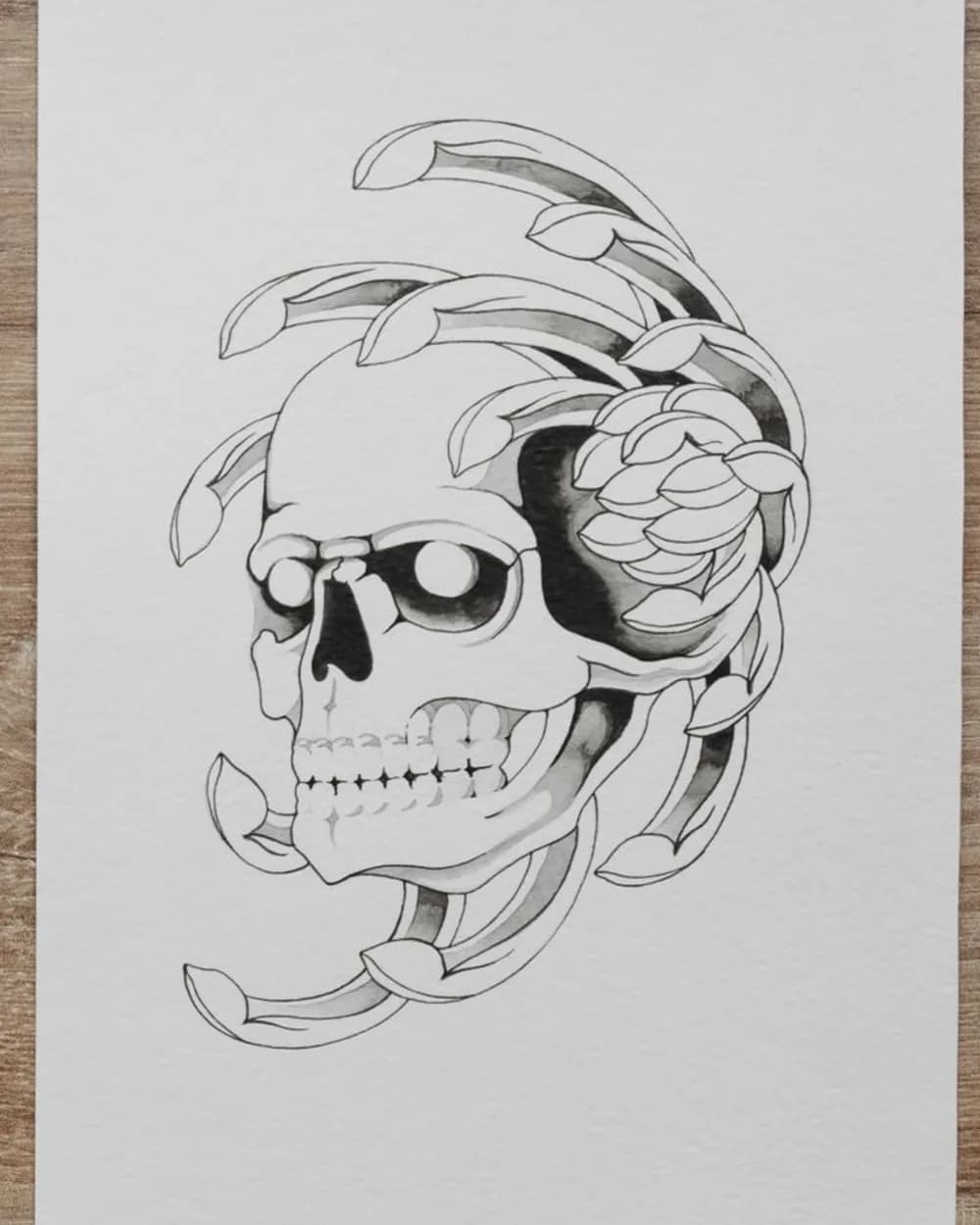
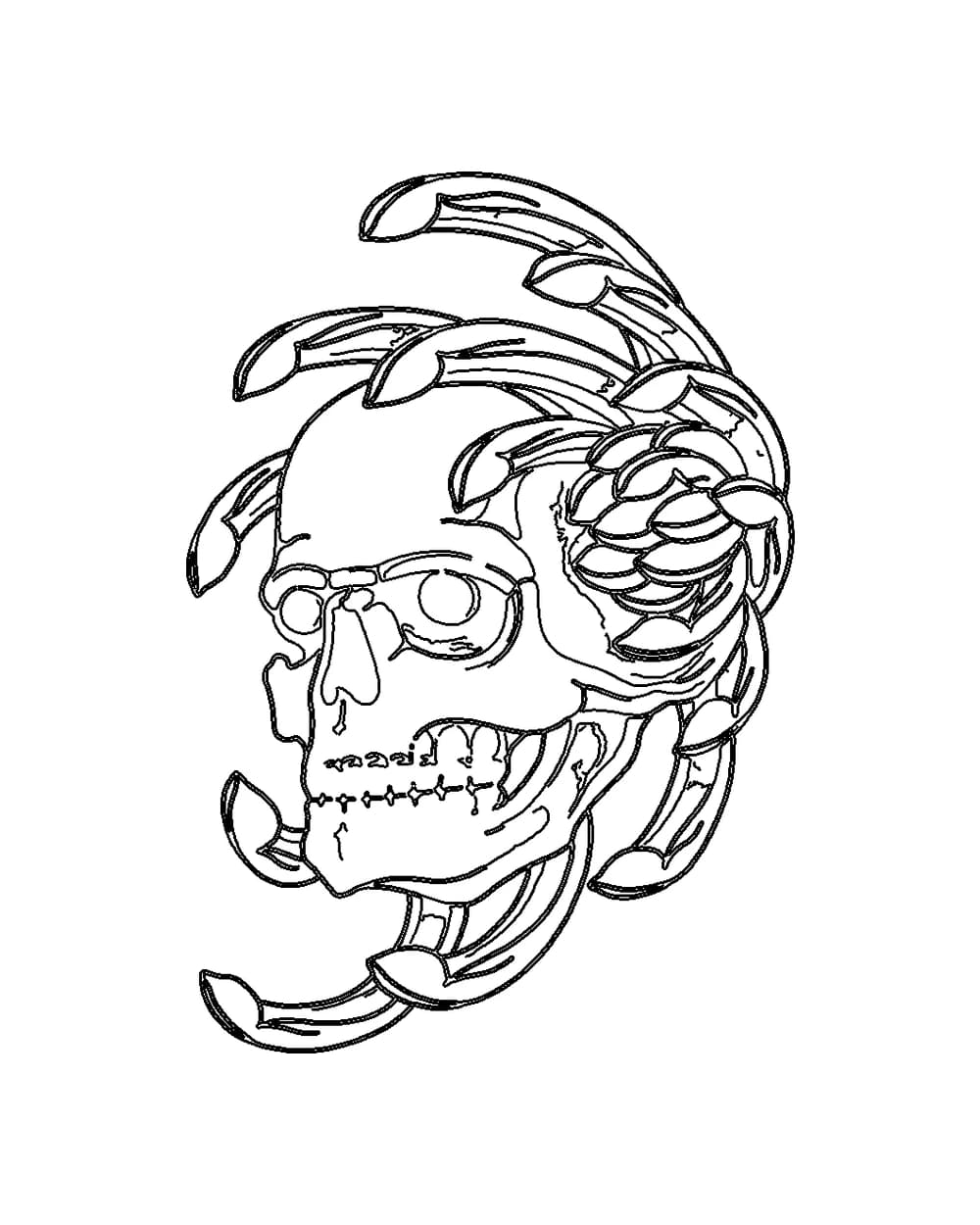
Compare tattoo photos and a pencil sketch with focused black linework. Each example calls out the contours that remain useful for artist review after color, tone, and surface texture are reduced.
These examples show contour extraction, not a finished transfer-ready decision. Your artist should still adjust scale, spacing, and line weight.
Tattoo photo
Tattoo photo
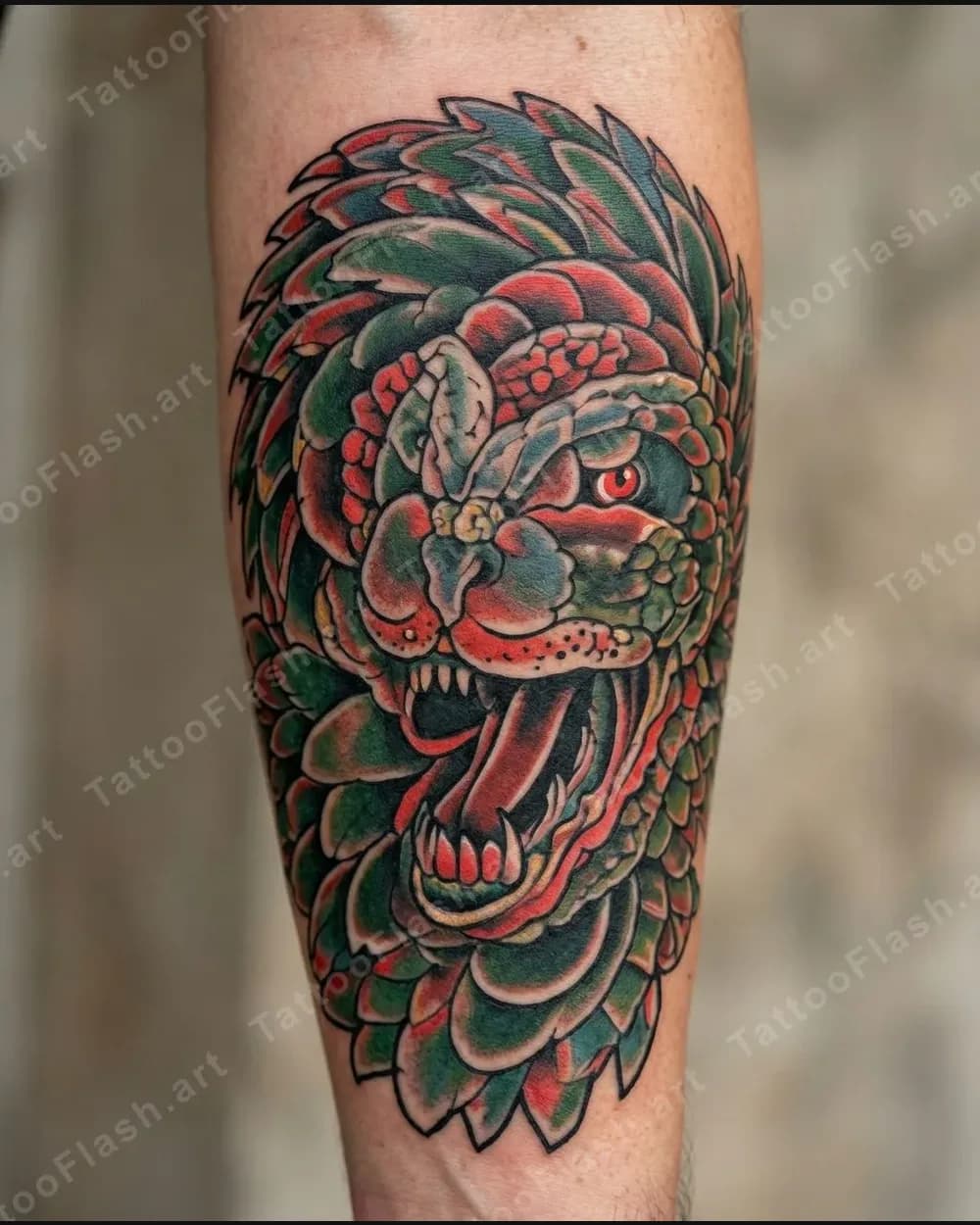
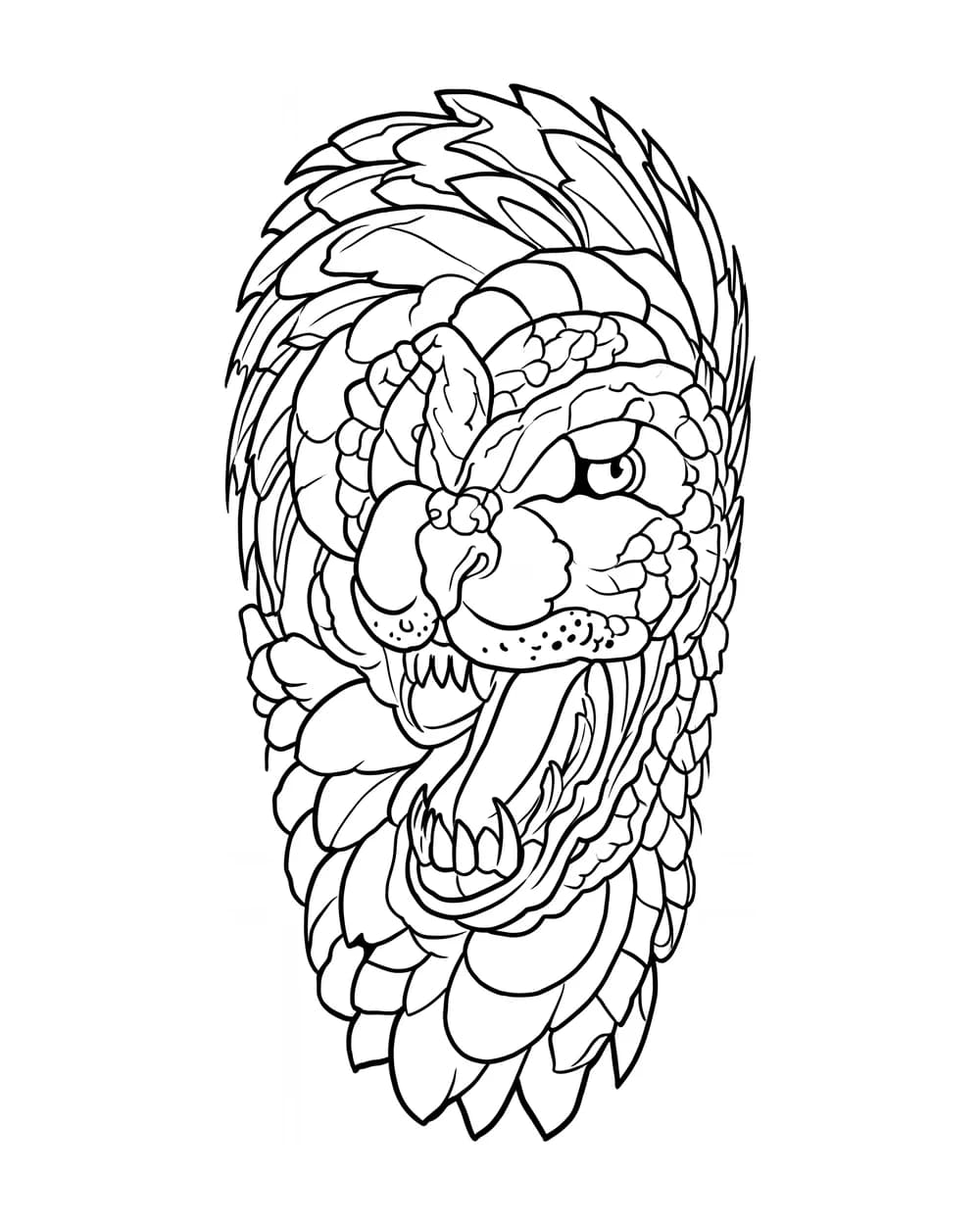
Tattoo photo
Pencil sketch
Input Quality Comparison
Straight-on framing and even light help the extractor separate ink from skin. Glare, perspective, and soft focus can hide real contours or introduce edges that belong to the photograph instead of the tattoo.
Better input
Even skin tone and visible edges keep the duck profile, beak, leaf sprig, and small marks distinct.
Difficult input
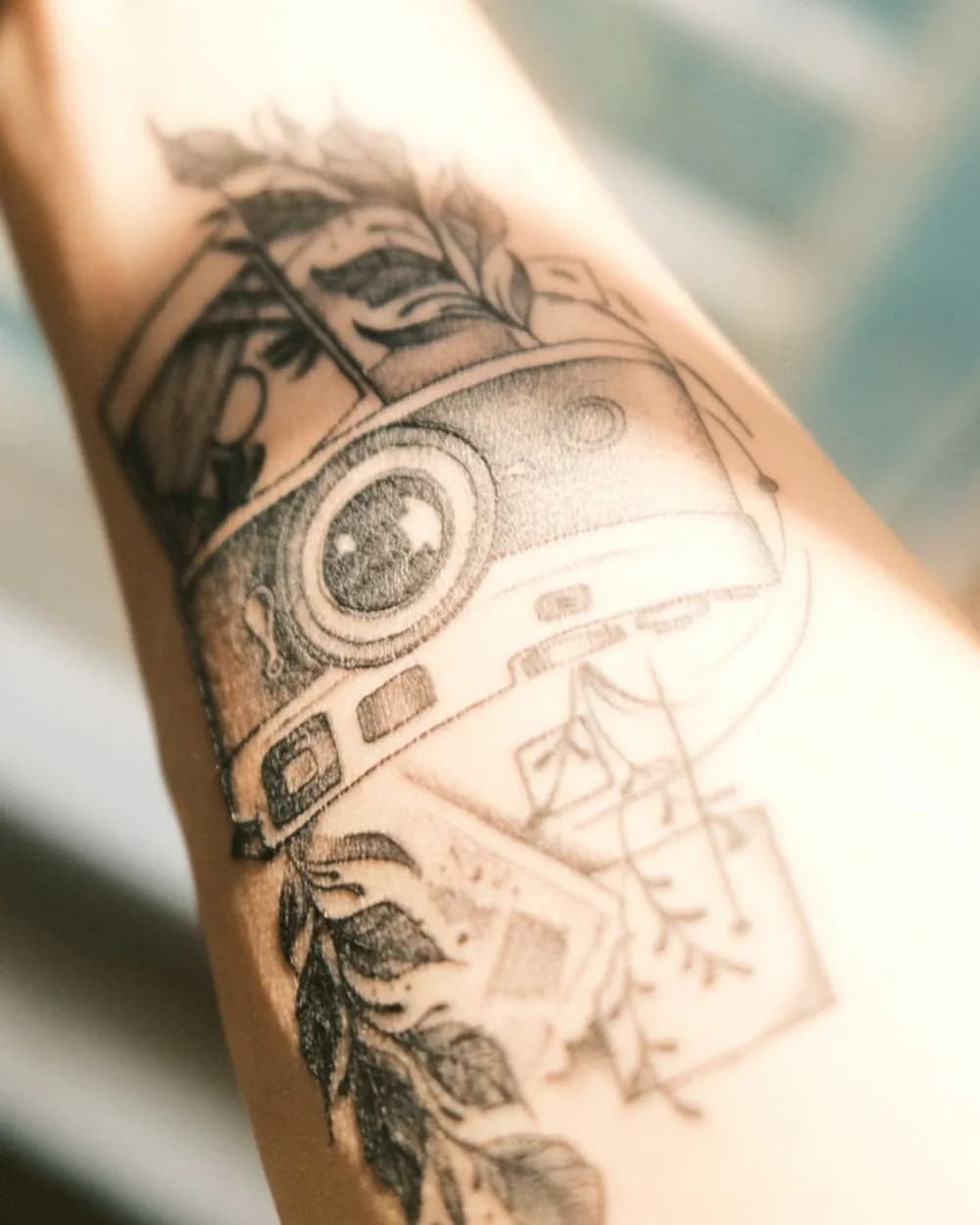
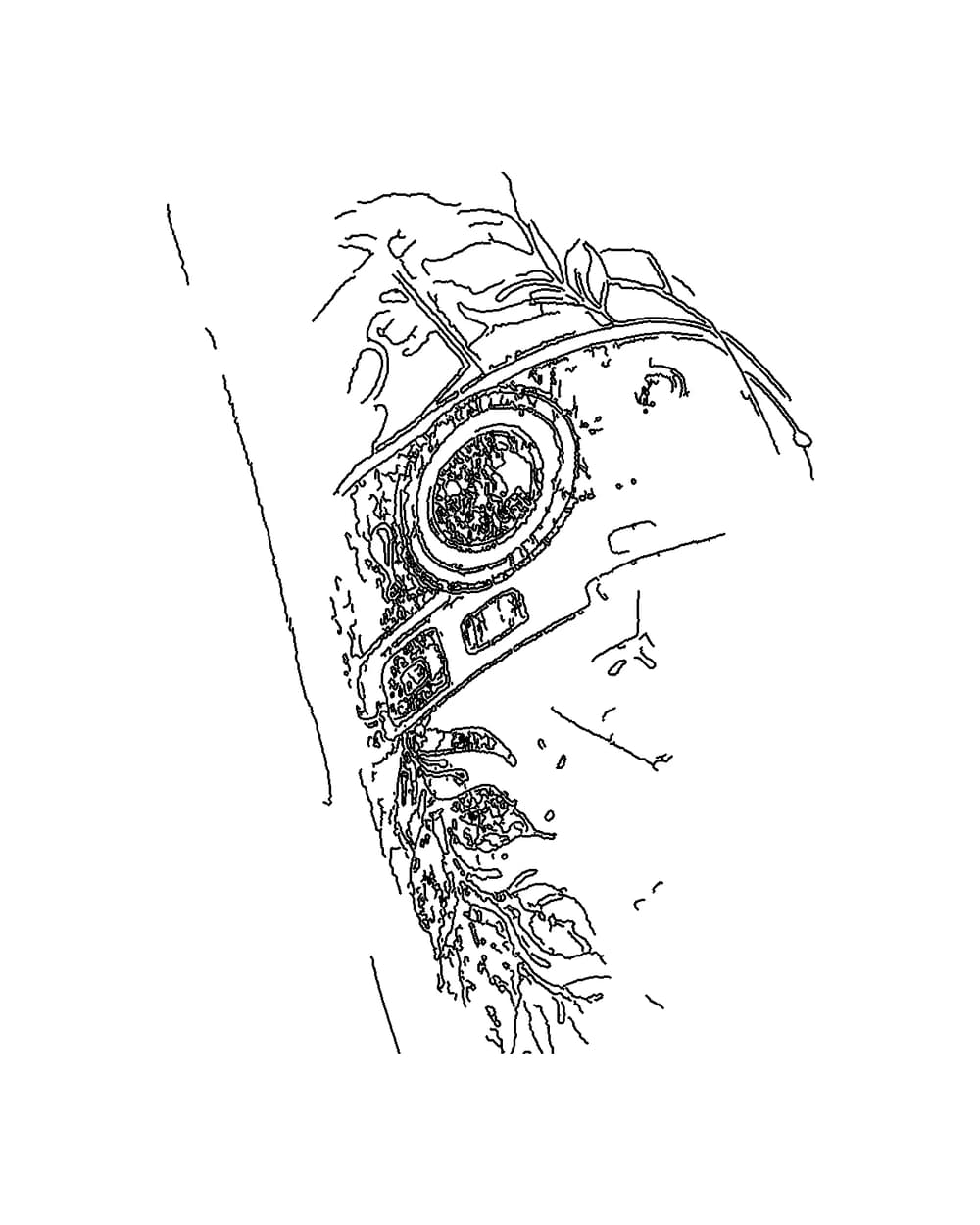
Perspective and bright highlights weaken the lower frame and landscape lines while unrelated skin edges enter the trace.
Photo To Stencil
A tattoo stencil is the transfer-ready outline that helps an artist place the design before tattooing begins. It emphasizes the contours that need to remain readable and removes visual information that does not belong in the transfer.
This online tattoo stencil maker is for an image you already have. It does not invent a new composition. When you need a new concept first, use the AI tattoo generator, then bring the finished design back here for line extraction.
Best when the tattoo is centered, evenly lit, and visually separated from the surrounding skin and background.
Useful when the original artwork already has strong edges and you want to reduce pencil texture, tone, or color.
Open any eligible design from the gallery or My Designs and send it directly into the stencil workflow without uploading it again.
Three-Step Workflow
Keep the source simple, let the extractor focus on the contours, and use the result as a clean handoff for professional review.
Step 1
Choose a front-facing tattoo photo, clean drawing, or saved TattooFlash design in JPG, PNG, or WebP format.
Step 2
The tattoo stencil generator separates essential outlines from color, shading, texture, and background detail.
Step 3
Save the high-contrast PNG to My Designs, then review scale, spacing, and line weight with your tattoo artist.
Source Quality
The extractor can simplify an image, but it cannot recover edges hidden by blur, glare, extreme perspective, or heavy overlap. These checks give the linework a stronger starting point.
Photo-to-stencil conversion is useful for isolating linework, testing readability, and giving an artist a clearer reference. It does not replace decisions about anatomy, placement, scale, needle grouping, or how the design will age.
Bring both the original image and the extracted stencil to your consultation. The original preserves texture and intent; the stencil makes the contour structure easier to inspect.
Common Questions
File support, privacy, credit cost, and what to expect before taking the result to an artist.
Yes. Upload a clear tattoo photo, drawing, or saved design and the stencil maker will isolate the main contours as black linework on a white background. Straight-on images with even lighting usually preserve the cleanest outline.
The extraction is designed to remove color, shading, dotwork, gradients, and solid fills so the result focuses on structural outlines. Busy backgrounds, glare, or very soft edges can still require cleanup by your tattoo artist.
The tattoo stencil maker accepts JPG, PNG, and WebP images up to 10MB. Use the highest-quality source you have and avoid screenshots with interface controls, captions, or heavy compression.
Stencil extraction requires Pro Artist access and uses 10 credits for each new extraction. Your credit balance is checked before processing begins.
Photos uploaded through the stencil workspace and the resulting stencil are saved privately to My Designs. They are not added to the public gallery.
Treat the download as a preparation file for an artist consultation. A tattoo artist should still check scale, line weight, spacing, body fit, and transfer settings before the design is applied to skin.
Start With Your Image
Upload a photo above, or create a new tattoo direction first and return when the composition is ready.