Online Tattoo Stencil Maker
Tattoo Stencil Maker for Photos and Sketches
Upload a clear tattoo photo, drawing, or saved design. The photo-to-stencil converter isolates essential contours and returns clean black linework for download and artist review.
Available to all signed-in users · 10 credits per extraction. Download a PNG for artist review. View pricing
Source photos and stencils are unlisted: they are not displayed in the public gallery. Anyone with a hosted image link may still be able to view that image. Avoid sensitive personal photos. Privacy Policy
Extraction Workspace
Original and stencil
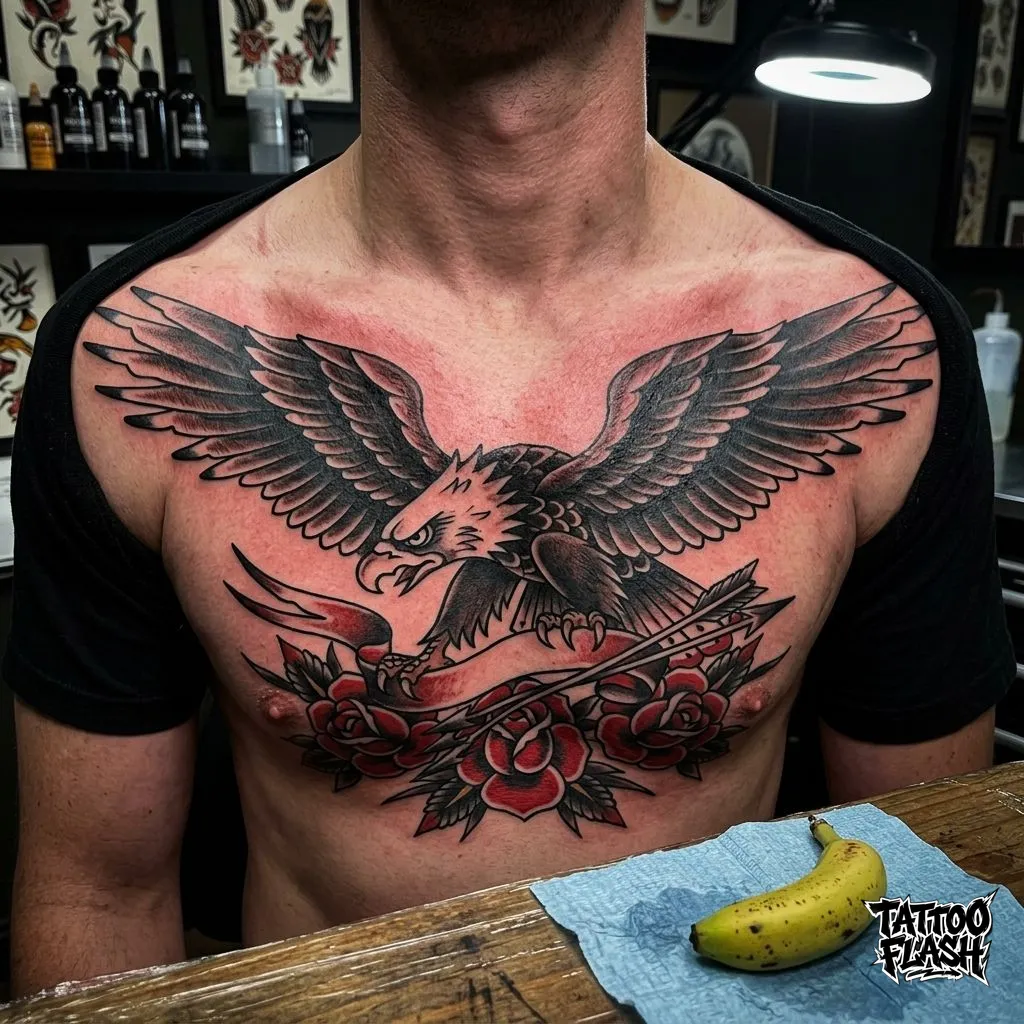
Actual extraction · AI-generated input
Actual TattooFlash stencil extraction examples
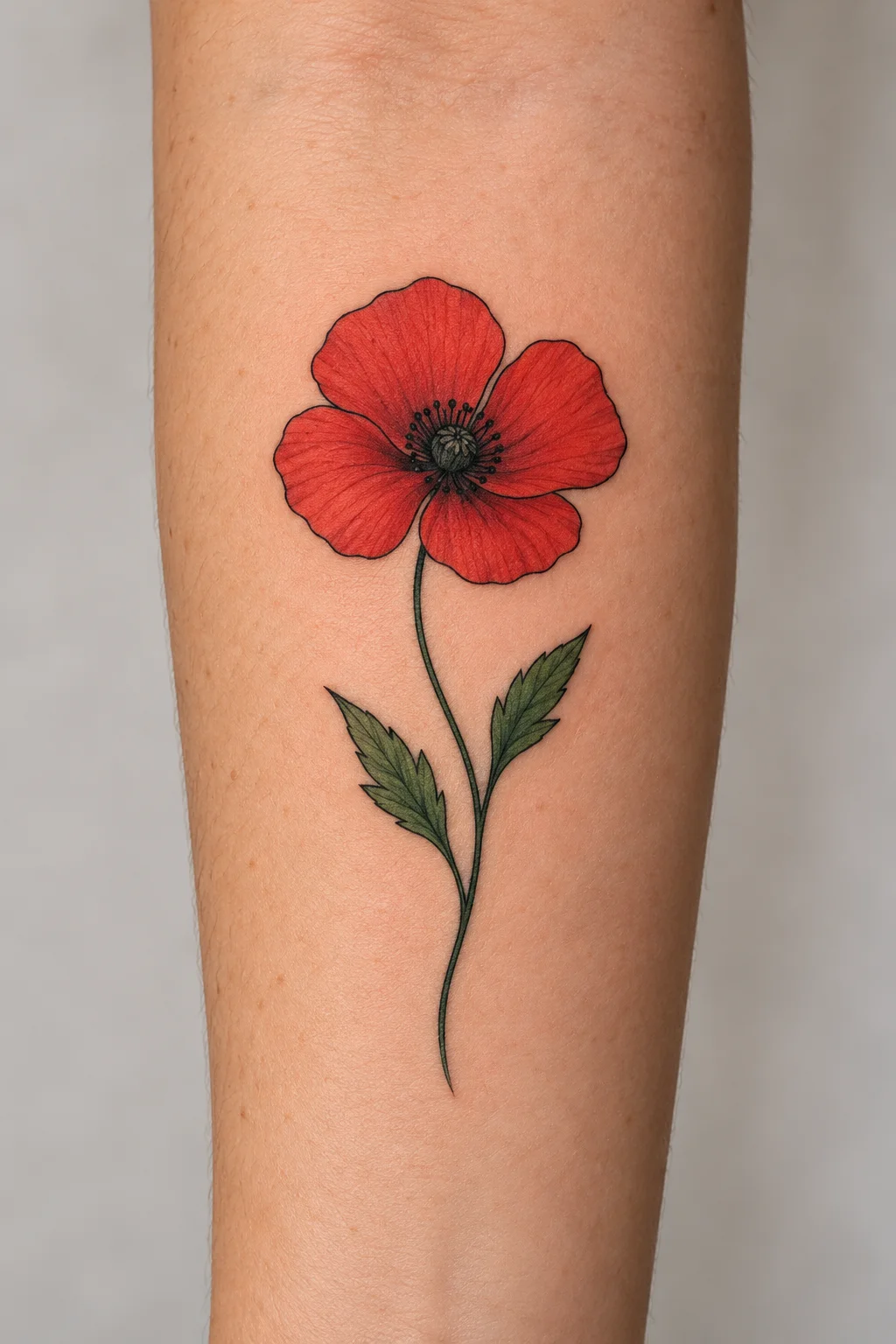
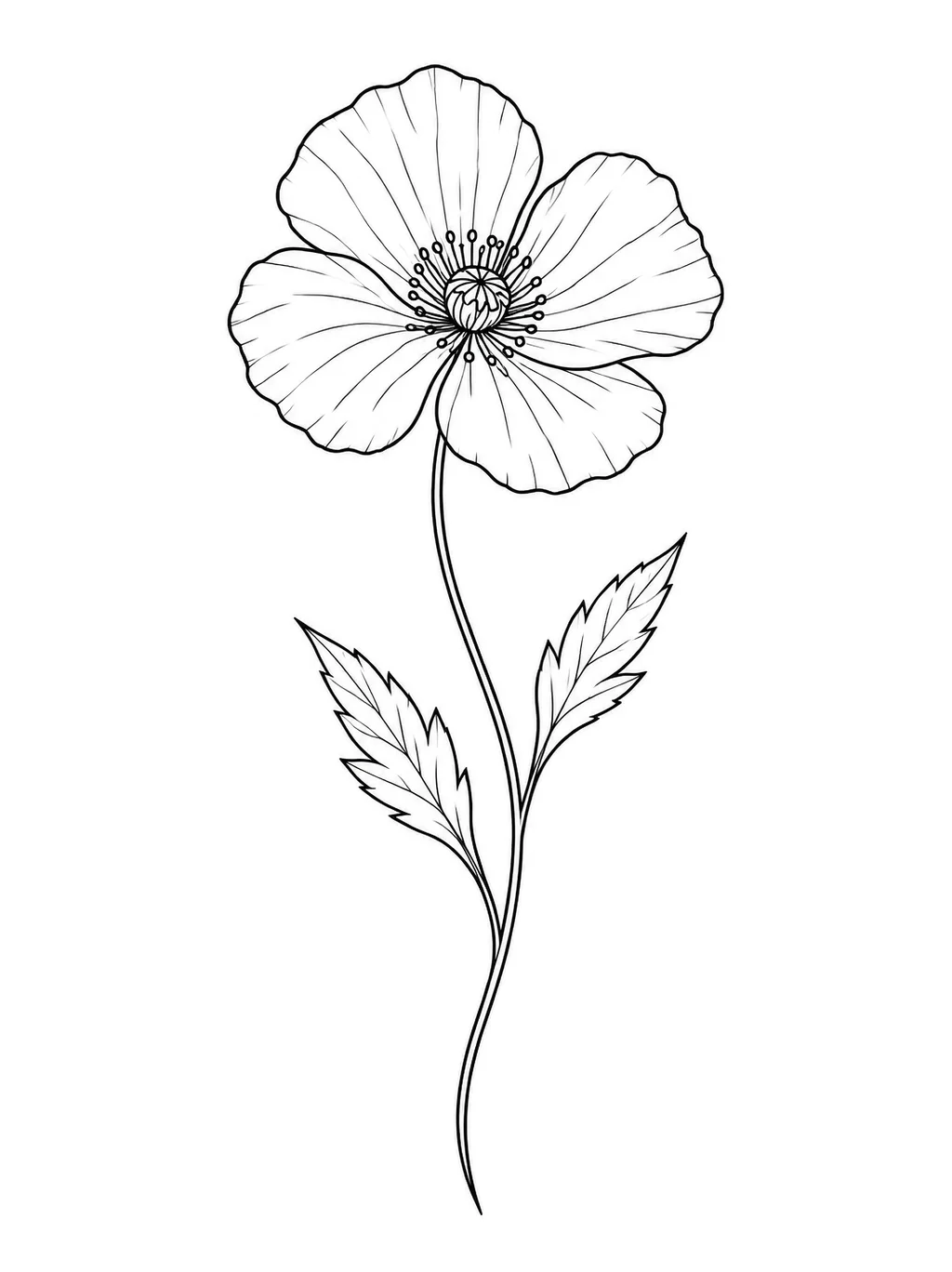
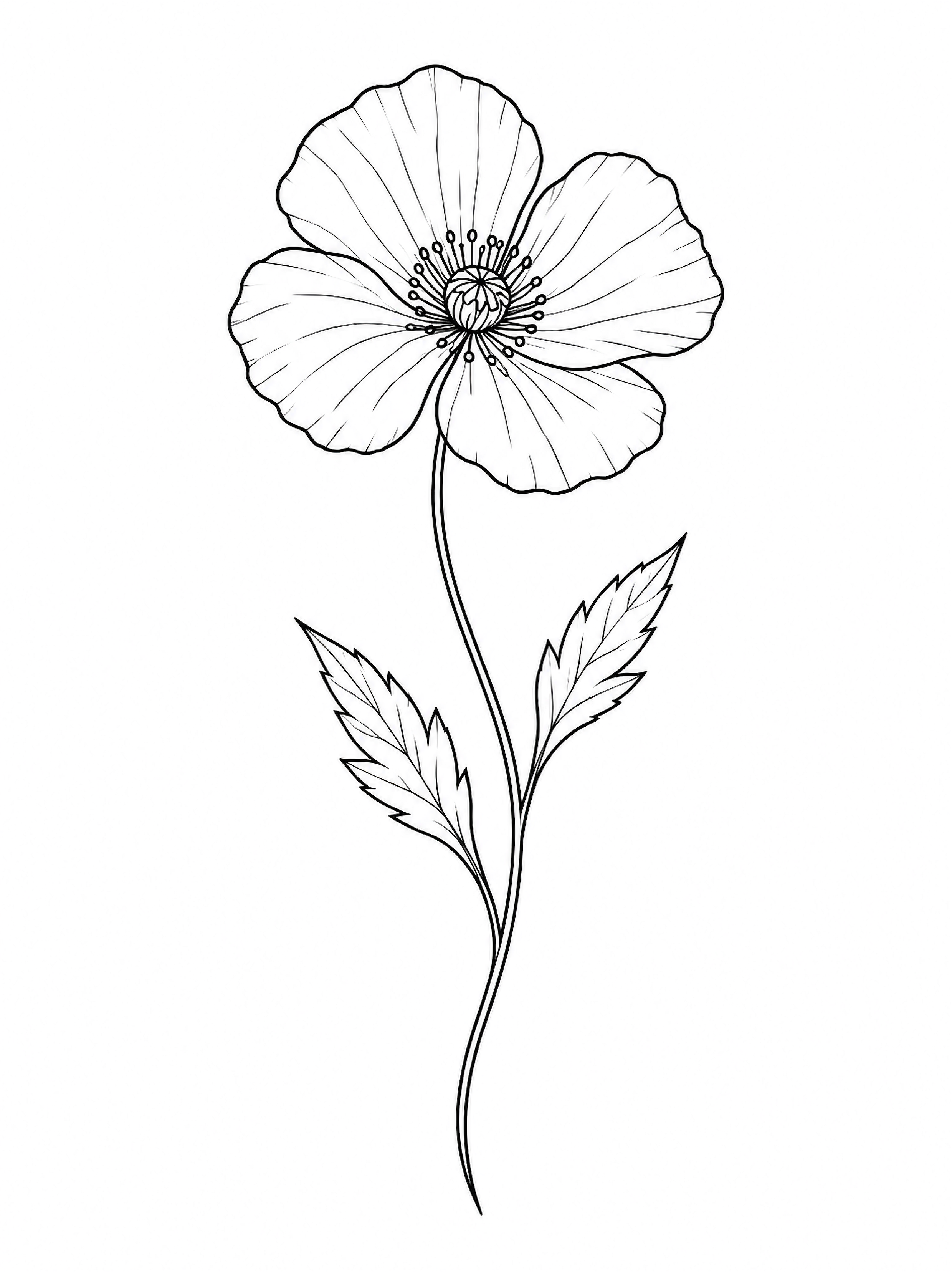
Compare the original AI illustration with the PNG returned by TattooFlash. This example used the same extraction workflow available above and cost 10 credits. It does not establish results for real tattoo photos, paper sketches or difficult inputs.
Poppy illustration extracted with TattooFlash
- Input source
- AI-generated poppy forearm illustration created with GPT Image 2; not a real tattoo or customer photograph.
- Processed with TattooFlash
- Yes. An actual completed stencil extraction.
- Original output dimensions
- 2480 × 3312 pixels · PNG
- Extraction date (UTC)
- Manual cleanup
- None. The original output PNG is unchanged. The on-page previews are WebP-encoded; the output preview is also resized.
What the tool preserved
The four-petal flower, curved stem and two pointed leaves remain recognizable. Red and green color, simulated skin texture and the surrounding background are removed from the linework.
What still needs artist review
Some interior petal lines become faint or broken, and the flower center, contour shapes and proportions change. The PNG has an opaque white background. Review line continuity, spacing and scale with your artist; this is not a pixel-exact trace or a ready-to-transfer stencil.
GPT Image 2 generated demonstration
Photo-to-stencil examples
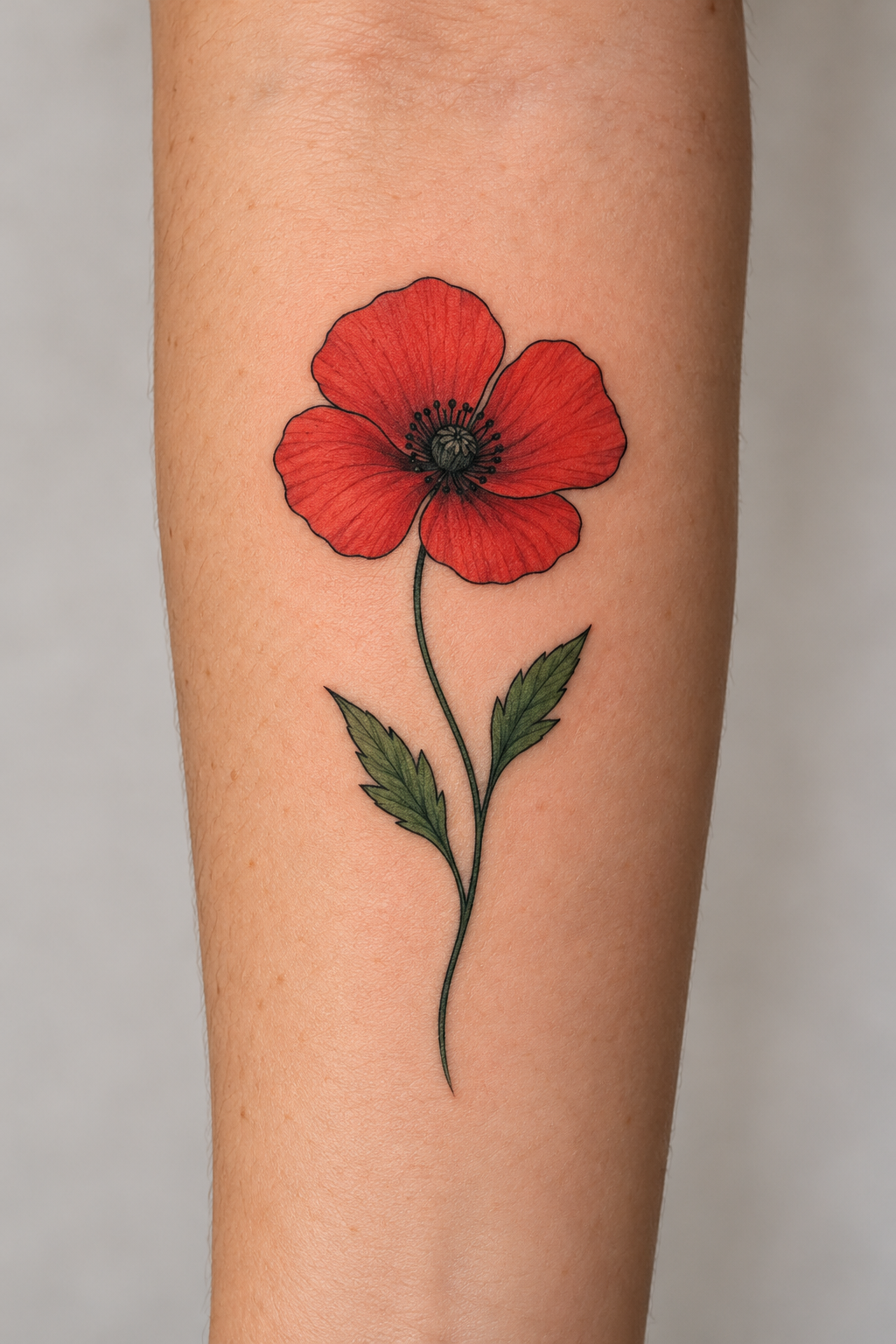
Compare an AI-generated poppy tattoo mockup with linework generated from that image using GPT Image 2. These are generated illustrations, not a real customer photo or a result from the TattooFlash extraction tool.
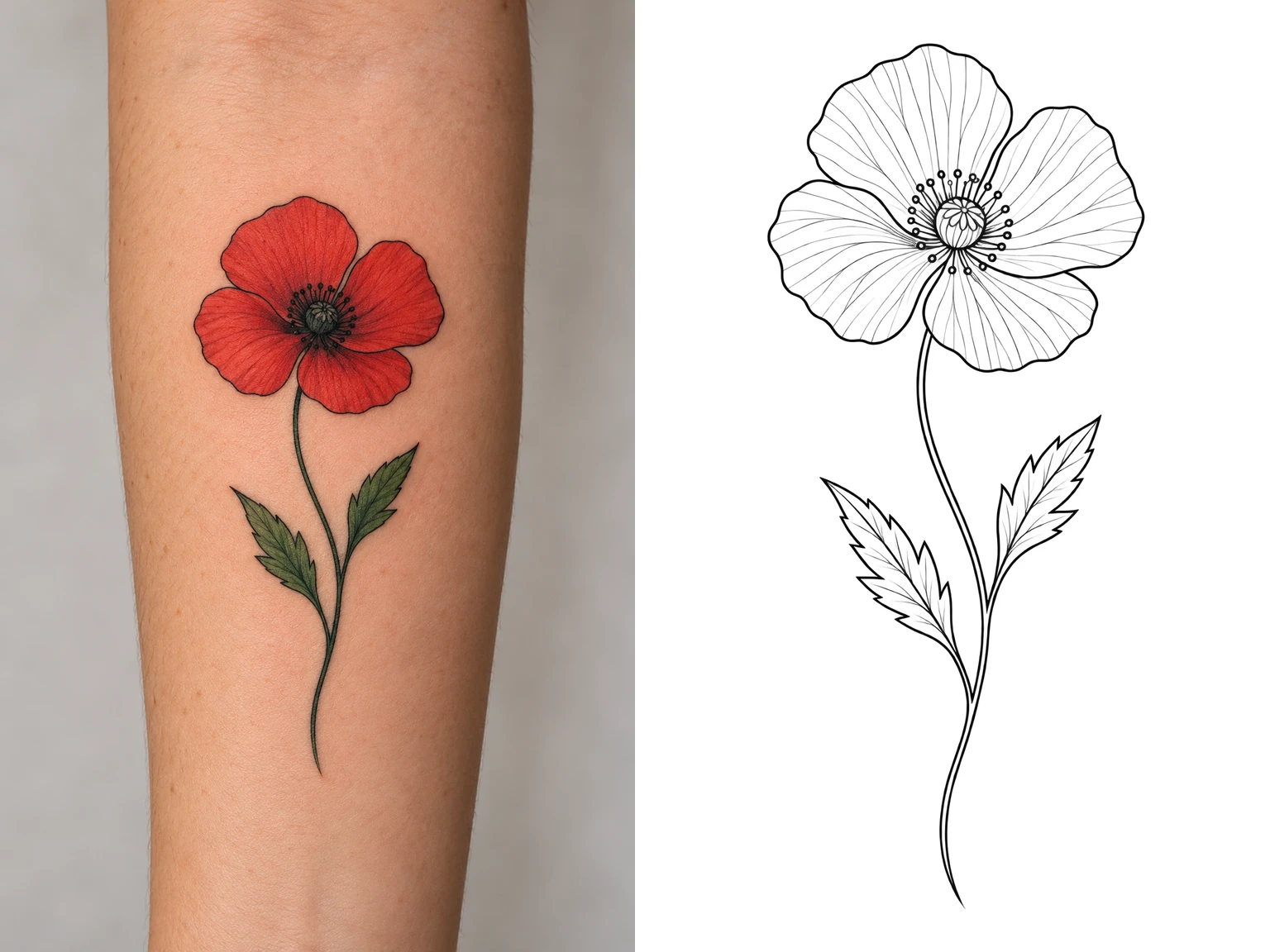
Poppy mockup and linework
- Input source
- AI-generated input created with GPT Image 2.
- Linework source
- GPT Image 2 generated this illustration using the input image as its reference.
- Processed with TattooFlash
- No. This is a generated demonstration.
- Manual cleanup
- None. The original PNG files are unchanged; the comparison preview was resized and arranged on white.
- Generated files saved (UTC)
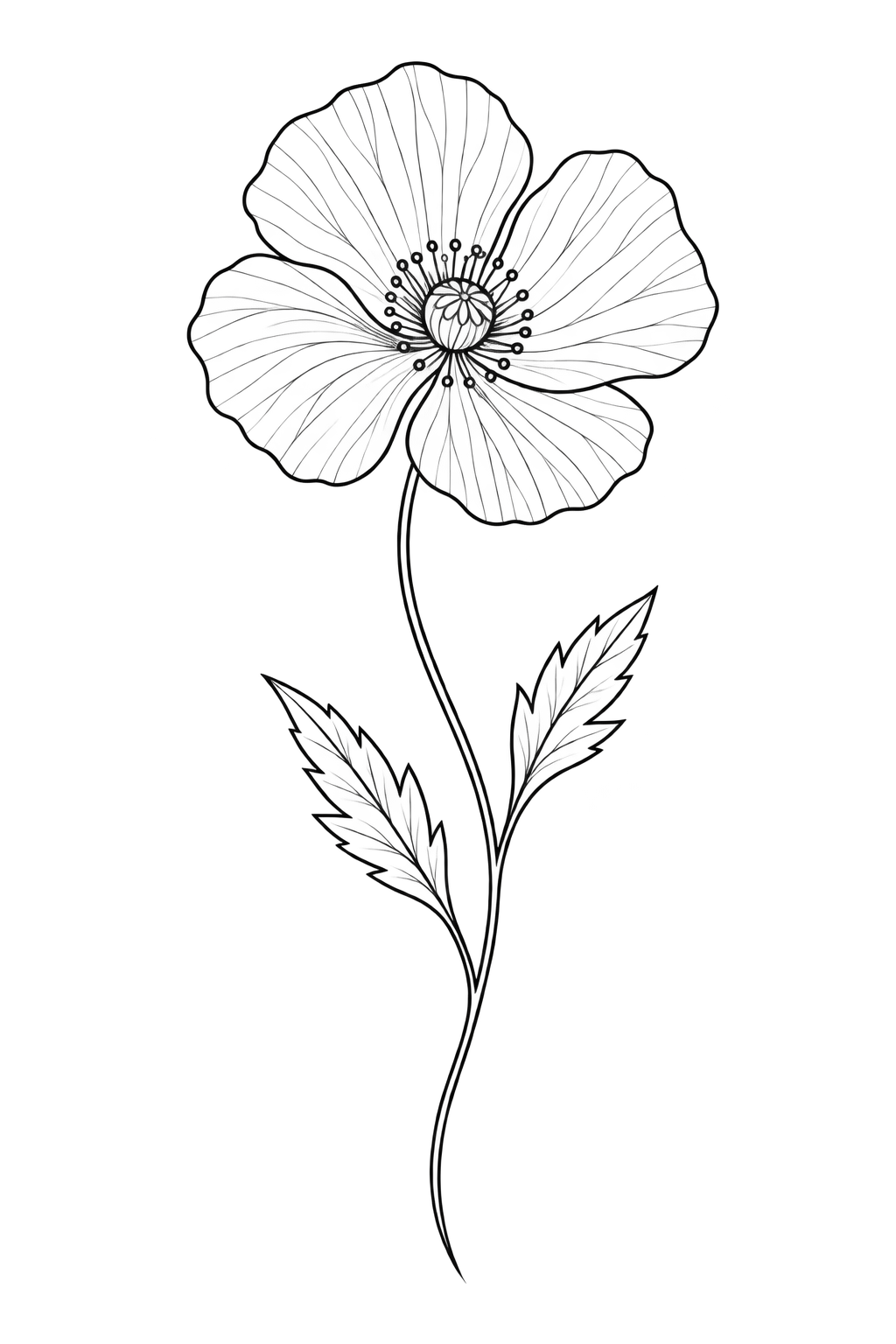
Photo To Stencil
Convert an existing tattoo image into focused linework.
A tattoo stencil is a linework guide that helps an artist plan how a design could be transferred to skin. The extracted file highlights contours, but an artist must review and adjust the outline before preparing a final tattoo transfer.
This online tattoo stencil maker is for an image you already have. It does not invent a new composition. When you need a new concept first, use the AI tattoo generator, then bring the finished design back here for line extraction.
Tattoo photo
Best when the tattoo is centered, evenly lit, and visually separated from the surrounding skin and background.
Drawing or sketch
Useful when the original artwork already has strong edges and you want to reduce pencil texture, tone, or color.
Saved design
Open any eligible design from the gallery or My Designs and send it directly into the stencil workflow without uploading it again.
Three-Step Workflow
How to turn a photo into a tattoo stencil
Keep the source simple, let the extractor focus on the contours, and use the result as a clean handoff for professional review.
Step 1
Upload a clear source
Choose a front-facing tattoo photo, clean drawing, or saved TattooFlash design in JPG, PNG, or WebP format.
Step 2
Extract the contours
The tattoo stencil generator separates essential outlines from color, shading, texture, and background detail.
Step 3
Download for review
Save the high-contrast PNG to My Designs, then review scale, spacing, and line weight with your tattoo artist.
Source Quality
Cleaner inputs produce cleaner tattoo outlines.
The extractor can simplify an image, but it cannot recover edges hidden by blur, glare, extreme perspective, or heavy overlap. These checks give the linework a stronger starting point.
- Photograph the design straight on instead of at an angle.
- Use even light and avoid glare, deep shadows, or skin folds.
- Crop away unrelated objects, captions, and interface controls.
- Start with a high-resolution image with clearly separated edges.
A stencil is a working file, not the final tattoo decision.
Photo-to-stencil conversion is useful for isolating linework, testing readability, and giving an artist a clearer reference. It does not replace decisions about anatomy, placement, scale, needle grouping, or how the design will age.
Bring both the original image and the extracted stencil to your consultation. The original preserves texture and intent; the stencil makes the contour structure easier to inspect.
Common Questions
Tattoo stencil maker FAQ
File support, privacy, credit cost, and what to expect before taking the result to an artist.
Before uploading, review the Privacy Policy.
Can I turn a photo into a tattoo stencil online?
Yes. Upload a clear tattoo photo, drawing, or saved design and the stencil maker will isolate the main contours as black linework on a white background. Straight-on images with even lighting usually preserve the cleanest outline.
Does the tattoo stencil generator remove color and shading?
The extraction is designed to remove color, shading, dotwork, gradients, and solid fills so the result focuses on structural outlines. Busy backgrounds, glare, or very soft edges can still require cleanup by your tattoo artist.
Which image formats can I upload?
The tattoo stencil maker accepts JPG, PNG, and WebP images up to 10MB. Use the highest-quality source you have and avoid screenshots with interface controls, captions, or heavy compression.
How much does a stencil extraction cost?
Stencil extraction is available to all signed-in users and uses 10 credits for each new extraction. Your credit balance is checked before processing begins.
Are uploaded tattoo photos publicly listed?
Your source photo and stencil are unlisted: they are saved in My Designs and are not displayed in the public gallery. Anyone with a hosted image link may still be able to view that image. Avoid sensitive personal photos and review our Privacy Policy before uploading.
Can I tattoo directly from the generated stencil?
Treat the download as a preparation file for an artist consultation. A tattoo artist should still check scale, line weight, spacing, body fit, and transfer settings before the design is applied to skin.
Start With Your Image
Make the contours easier to inspect.
Upload a photo above, or create a new tattoo direction first and return when the composition is ready.